Website designing from scratch
₹6,000.00
₹1,500.00
75% OFF
📌 Learning Objectives
Students will:
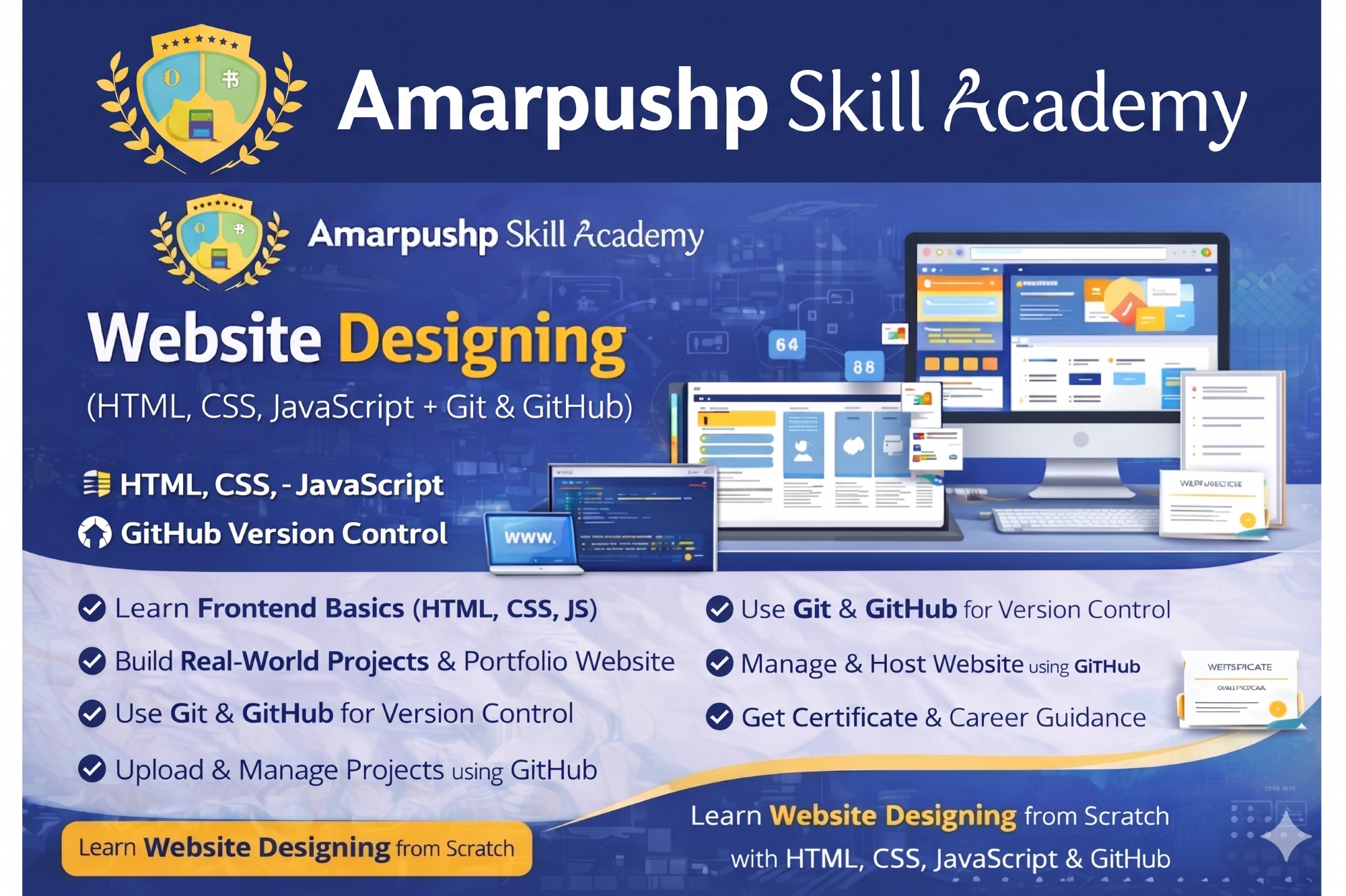
- Understand how websites work (Frontend Basics)
- Learn HTML to build website structure
- Learn CSS for designing and styling web pages
- Use basic JavaScript for interactivity
- Learn Git for version control
- Upload and manage projects using GitHub
- Create real-world mini projects and portfolio website
🎯 Course Outcome (What You Can Build)
After completing this course, you will be able to:
✅ Create professional websites
✅ Design responsive web pages
✅ Build personal portfolio website
✅ Upload and manage projects on GitHub
✅ Apply for internships and freelancing confidently
📦 What’s Included
- Notes + Practice Tasks
- Project Source Code Templates
- Live Practical Training in Lab
- Mini Projects + Final Website Project
- GitHub Portfolio Setup
- Certificate of Completion
- Career Guidance Support
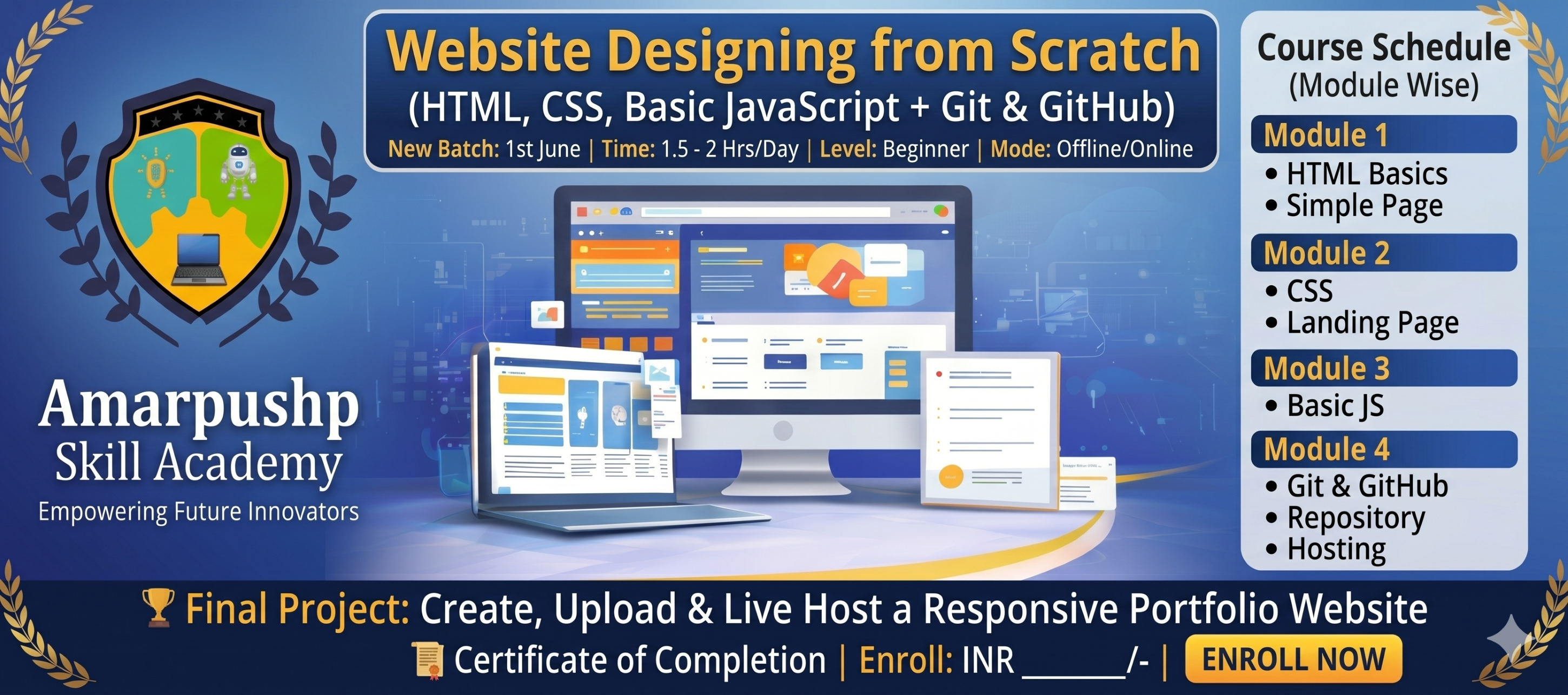
📅 Course Schedule (Module Wise)
Module 1: HTML Basics
- Introduction to Website Designing
- HTML Structure & Tags
- Headings, Paragraphs, Lists
- Links, Images, Tables
- Forms & Input Fields
- Mini Project: Simple Web Page
Module 2: CSS Basics
- CSS Introduction
- Selectors, Colors, Fonts
- Box Model (Margin, Padding, Border)
- Backgrounds, Layout Styling
- Flexbox Basics
- Responsive Design Basics
- Mini Project: Landing Page Design
Module 3: Basic JavaScript
- Introduction to JavaScript
- Variables, Data Types
- Operators and Conditions
- Loops and Functions
Module 4: Git & GitHub
- What is Git?
- Git Commands (init, add, commit, status)
- GitHub Account Setup
- Creating Repository
- Upload Project to GitHub
- Hosting Website using GitHub Pages
🏆 Final Project
- Create a complete Responsive Portfolio Website
- Upload project on GitHub
- Live Hosting (GitHub Pages)
Enroll Now
Payment Details
Course: Website designing from scratch
Amount: ₹1,500.00